Define the tooth region
Import STL or supported triangle PLY, draw and edit the boundary on the scan, then review the selected tooth.
CROWN & SHELL · EXPERIMENTAL PILOT
Mark a tooth boundary, retain the selected exterior and build an experimental crown shell around it. Review the generated geometry and measured checks before downloading an STL.
Public tool overviewWHAT YOU CAN DO
Import STL or supported triangle PLY, draw and edit the boundary on the scan, then review the selected tooth.
Set the requested thickness, preview the result and explicitly apply or cancel changes.
Inspect the geometry checks returned for the generated shell before downloading the result. These checks do not establish clinical fit.
Return to a scan saved in your clinic workspace. Boundary points and the inside point must be marked again when reopening.
RESULT PREVIEW
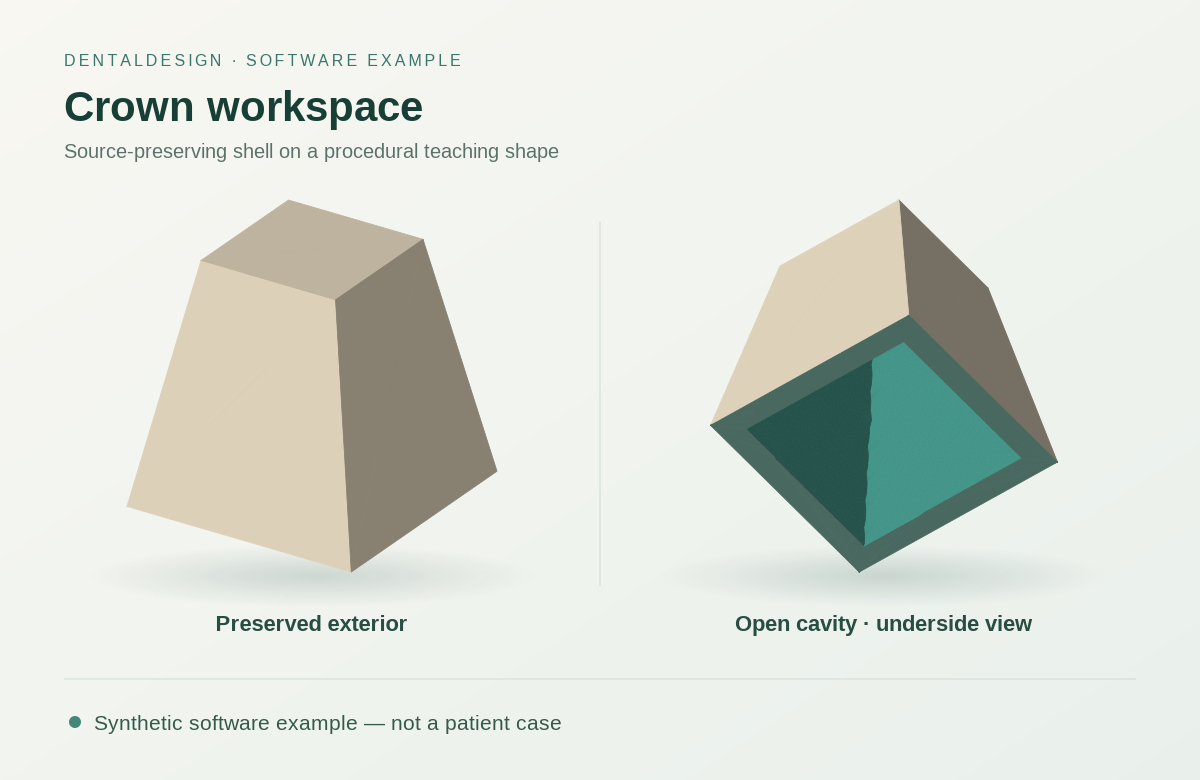
Two views of a source-bound shell generated from a procedural frustum. This is a software test shape, not a realistic tooth. Actual results depend on the input surface, boundary and chosen settings.
HOW IT WORKS
Open the scan, confirm its scale, mark the boundary and select the intended tooth region.
Choose the shell settings, generate a preview and inspect the measured geometry and available review maps.
Download an experimental STL after the required software checks succeed. Your uploaded source can be reopened from your workspace.
This is an experimental shell workflow and is not clinically validated. Geometric checks do not establish clinical fit, seating or suitability. Arbitrary scan coverage, prepared-tooth fitting and clinical validation remain pending; an unmeasured property is not shown as passed.
TOOL ACCESS
Every tool overview stays visible, including explanations and available examples. The platform administrator activates tools for your clinic; your responsible dentist manages team permissions.
Crown is offered as an experimental pilot for invited clinics. Use your existing account; your administrator manages access.